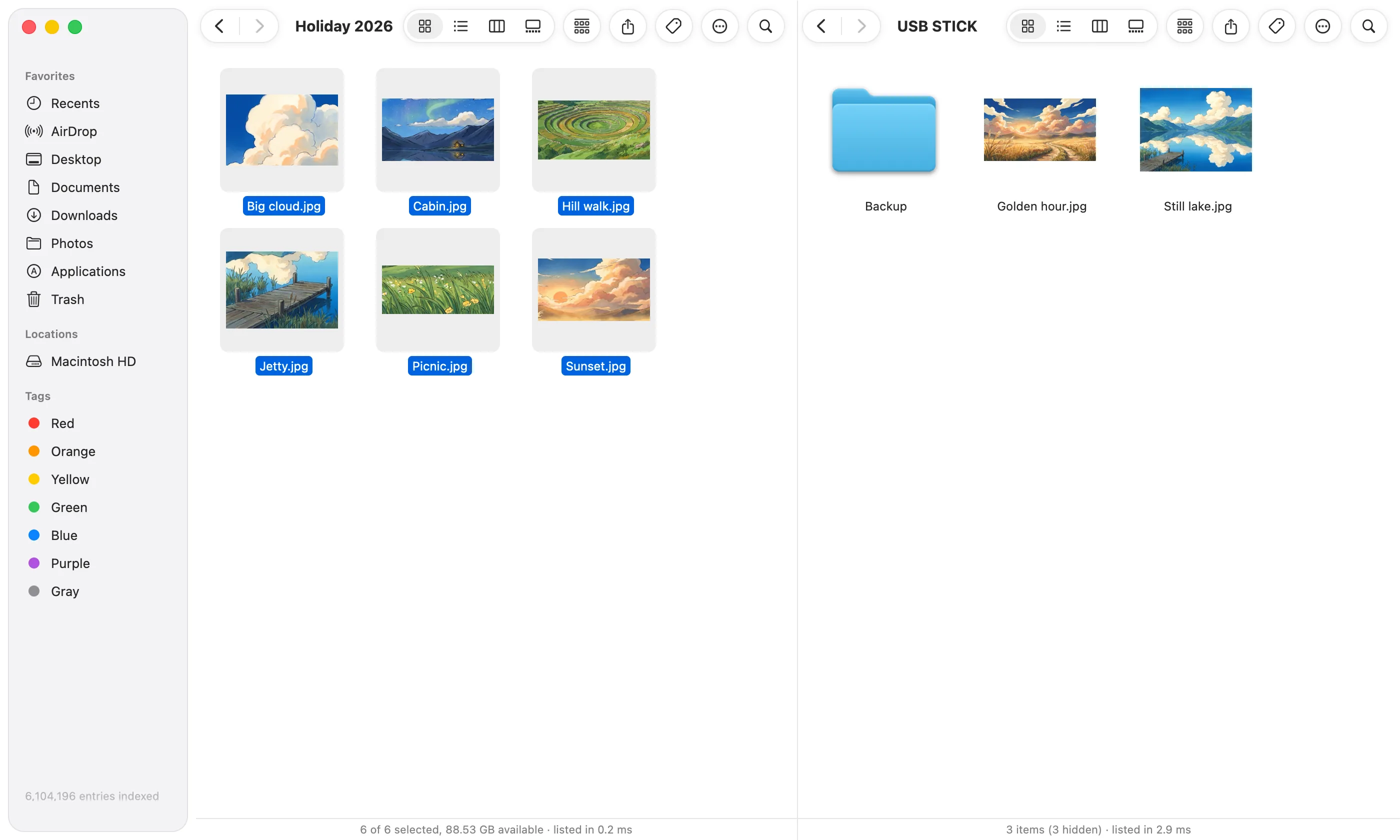
Two folders, side by side.
Drag from one to the other, or press F5 to copy across. Handy for sorting photos into albums, or filling a USB stick.
Find any file in a few letters, see what's filling your Mac and clear it, and tidy Downloads in one click. Screenshots, clipboard history and quick answers come with it.
Free · Apple silicon · macOS 13 or later
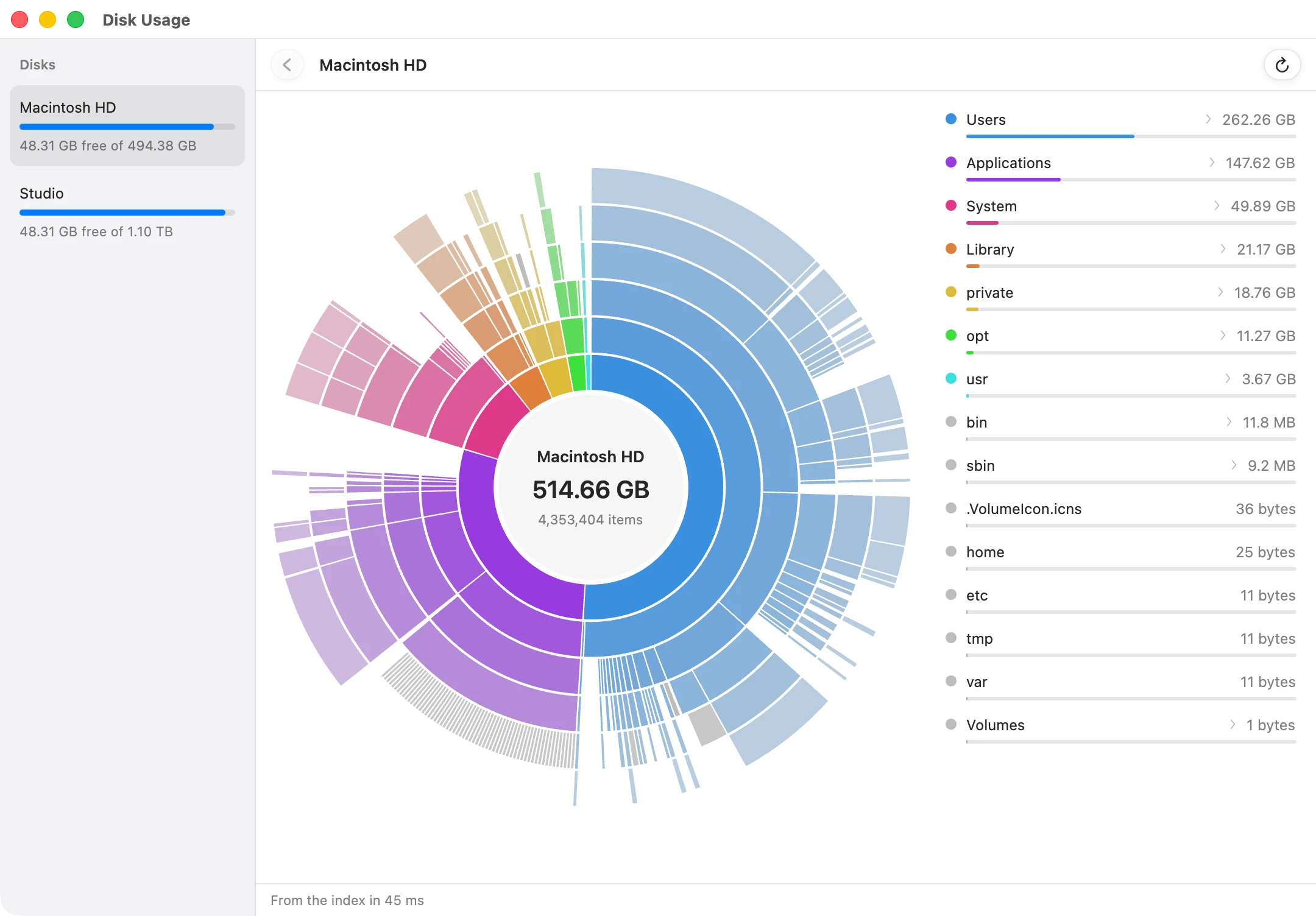
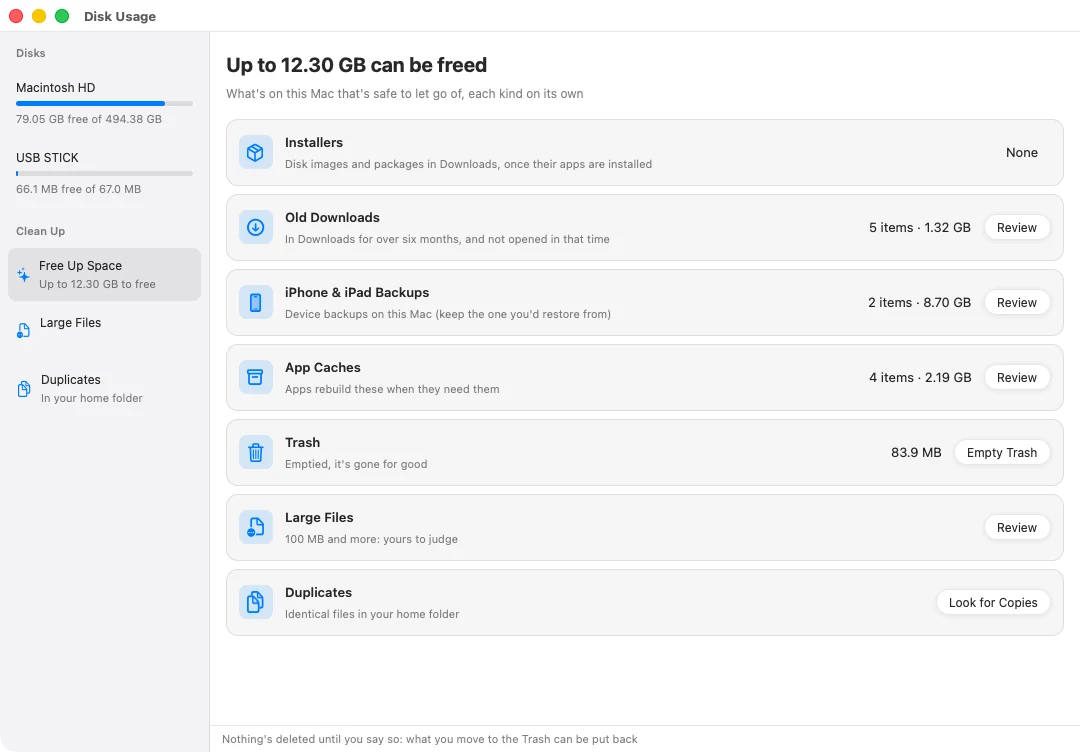
F2 shows what's filling your Mac, and what's safe to let go of: installers you've already used, downloads you haven't opened in six months, old iPhone backups, apps' caches and duplicate files. Tick what you want gone. It goes to the Trash first, so you can always put it back.
Uninstall an app, and what it left behind in your Library goes with it.
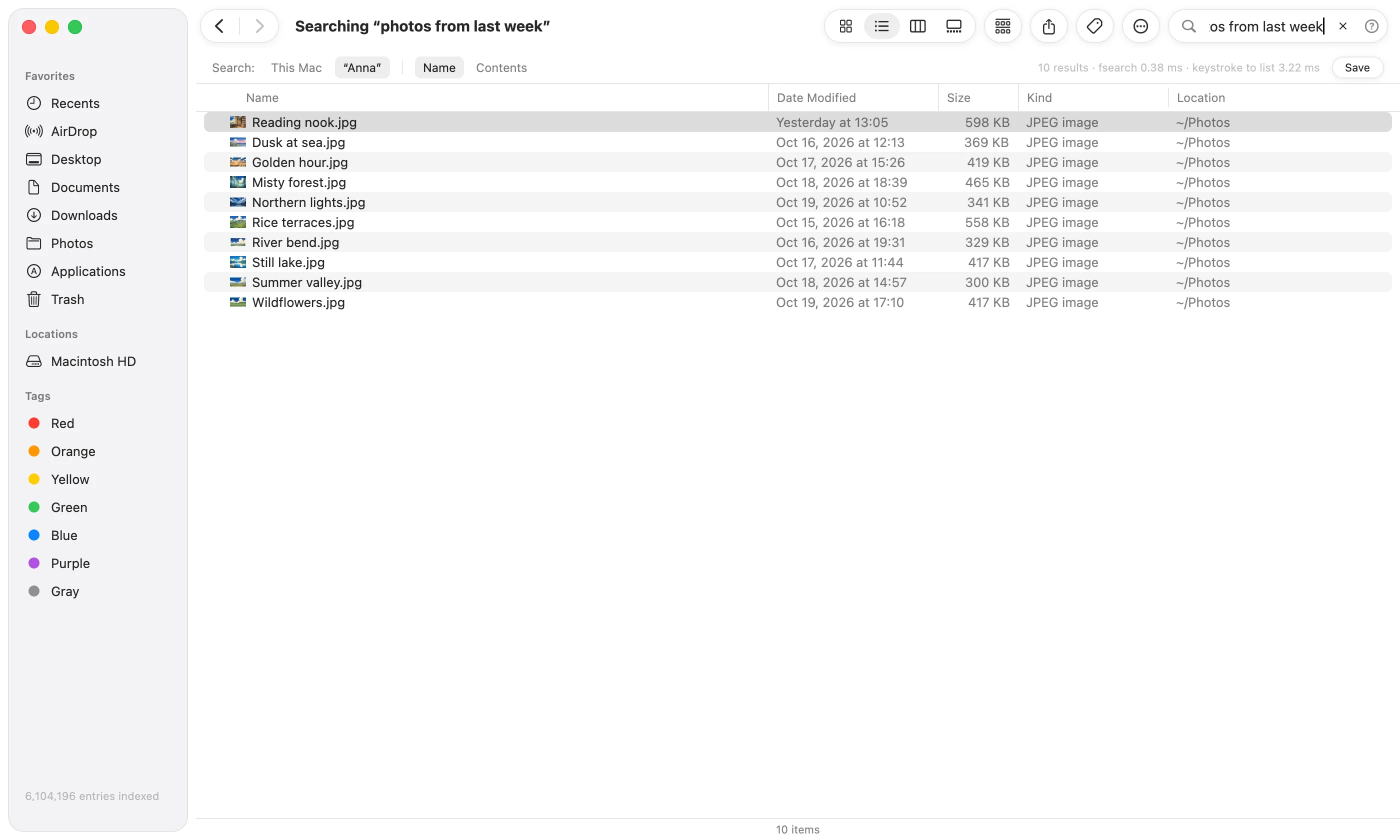
Type what you remember, the way you'd say it. Typos are forgiven, and your whole Mac is searched before you've finished typing.
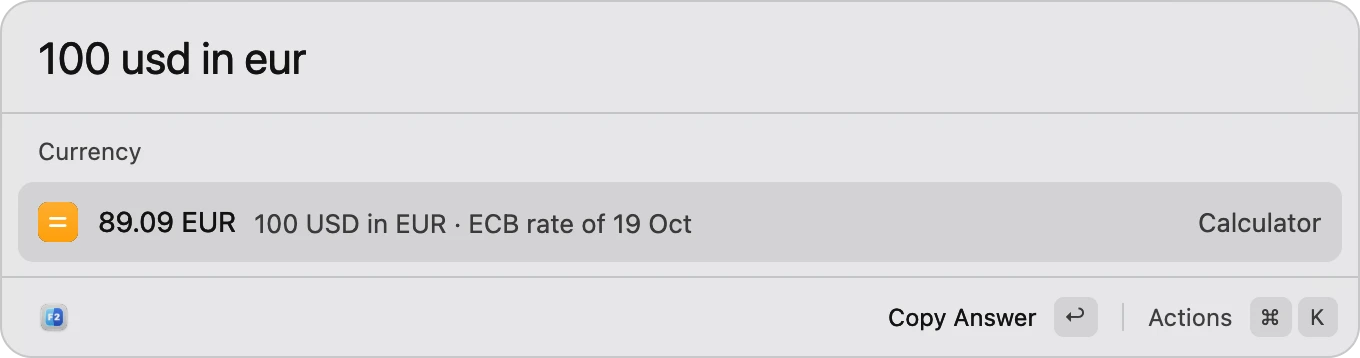
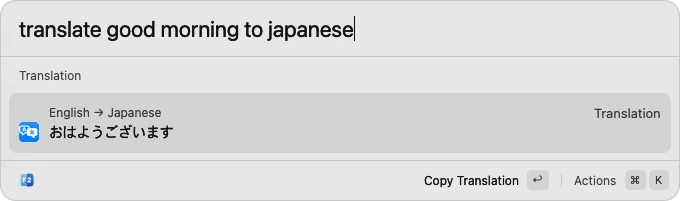
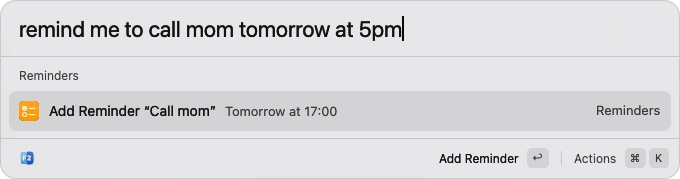
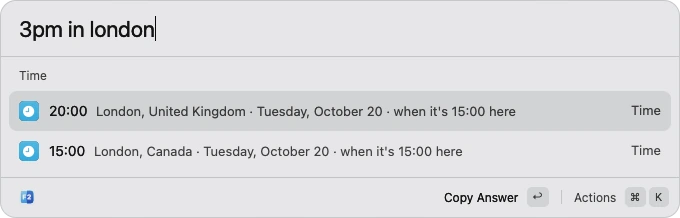
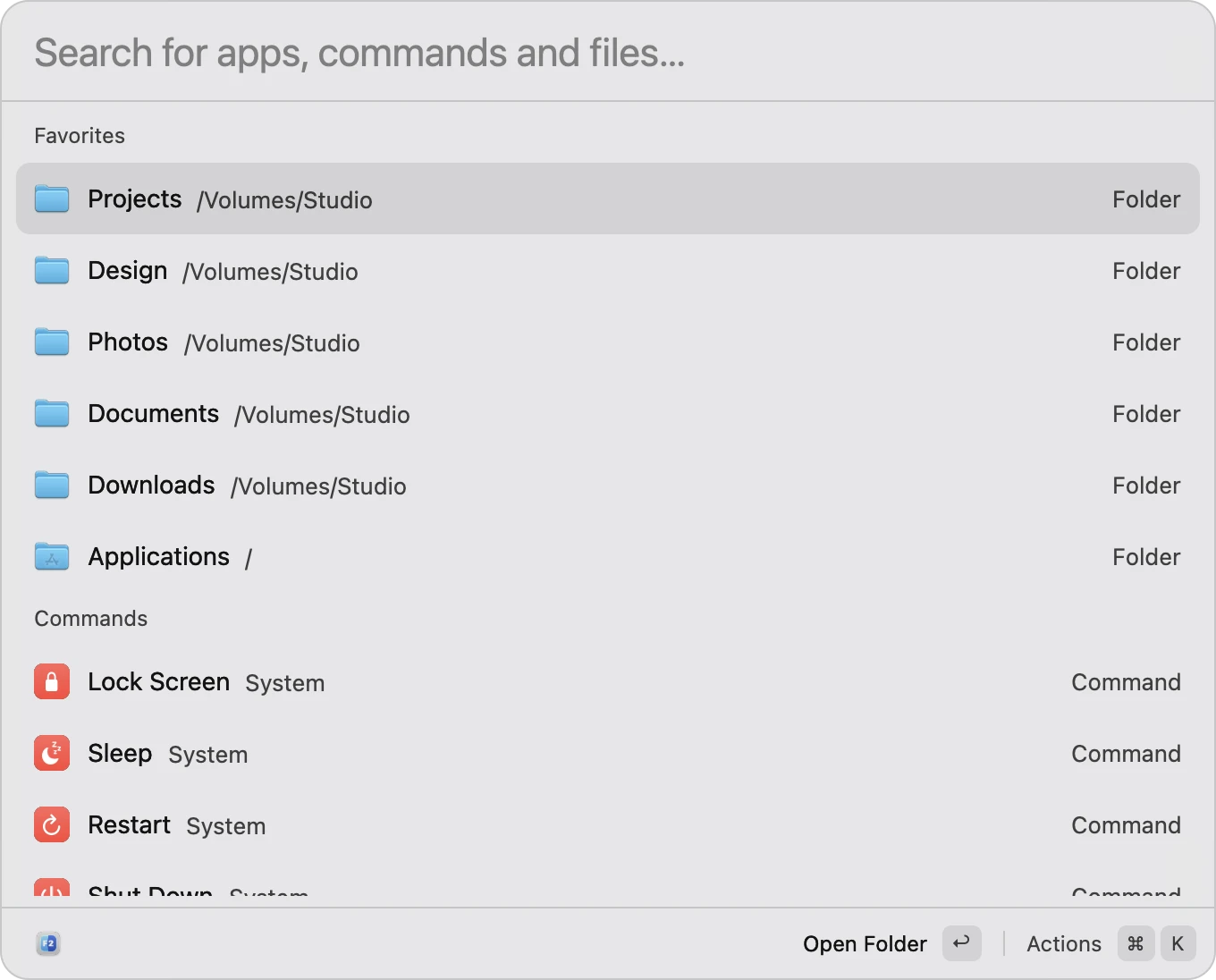
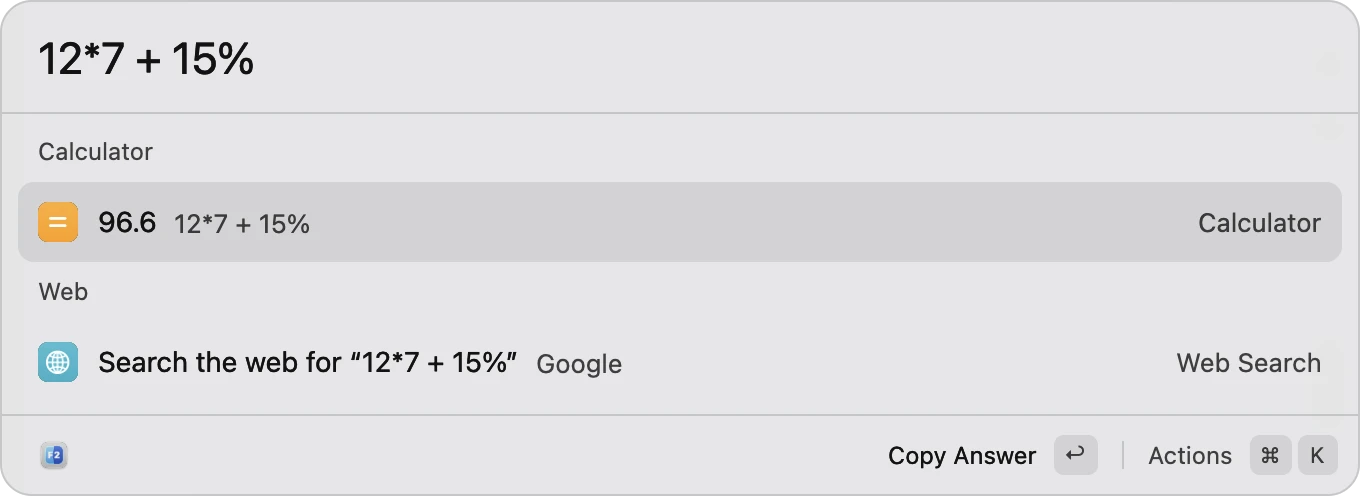
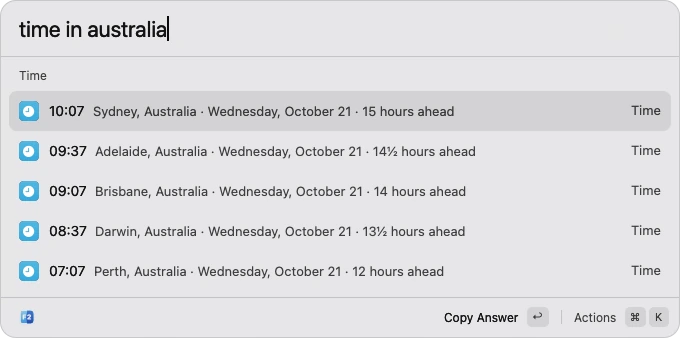
Quick Open floats over whatever you're in. Type a few letters to open an app or a file. Or ask it: the time in Tokyo, 100 dollars in euros, what a word means, how to say it in Japanese. It sets reminders, checks your AirPods' battery, and keeps your Mac awake until a download's done.
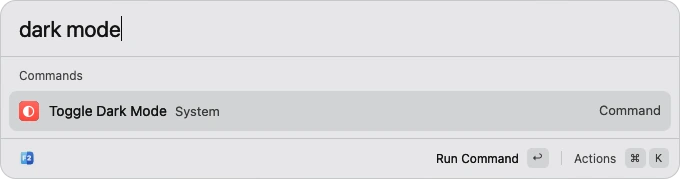
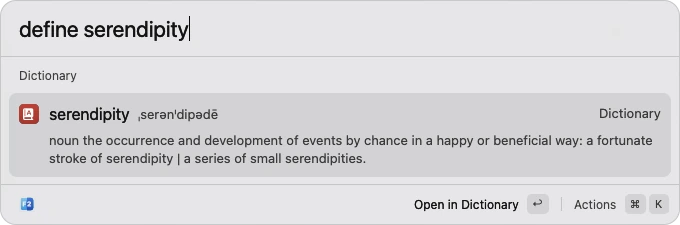
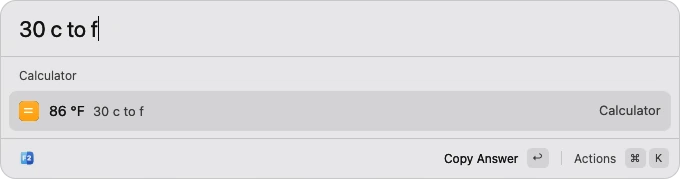
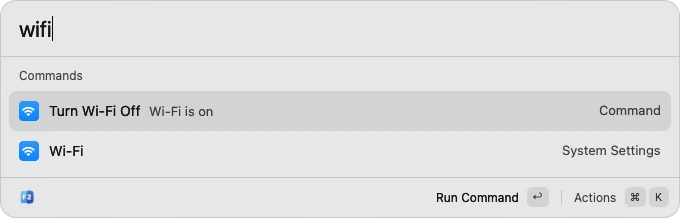
Tidy Up sorts a folder's loose files into folders of their kinds: Screenshots, Images, Videos, Audio, Documents, Installers and Archives. Changed your mind? ⌘Z puts it all back.
It can keep your Desktop tidy too, filing screenshots away as you take them.
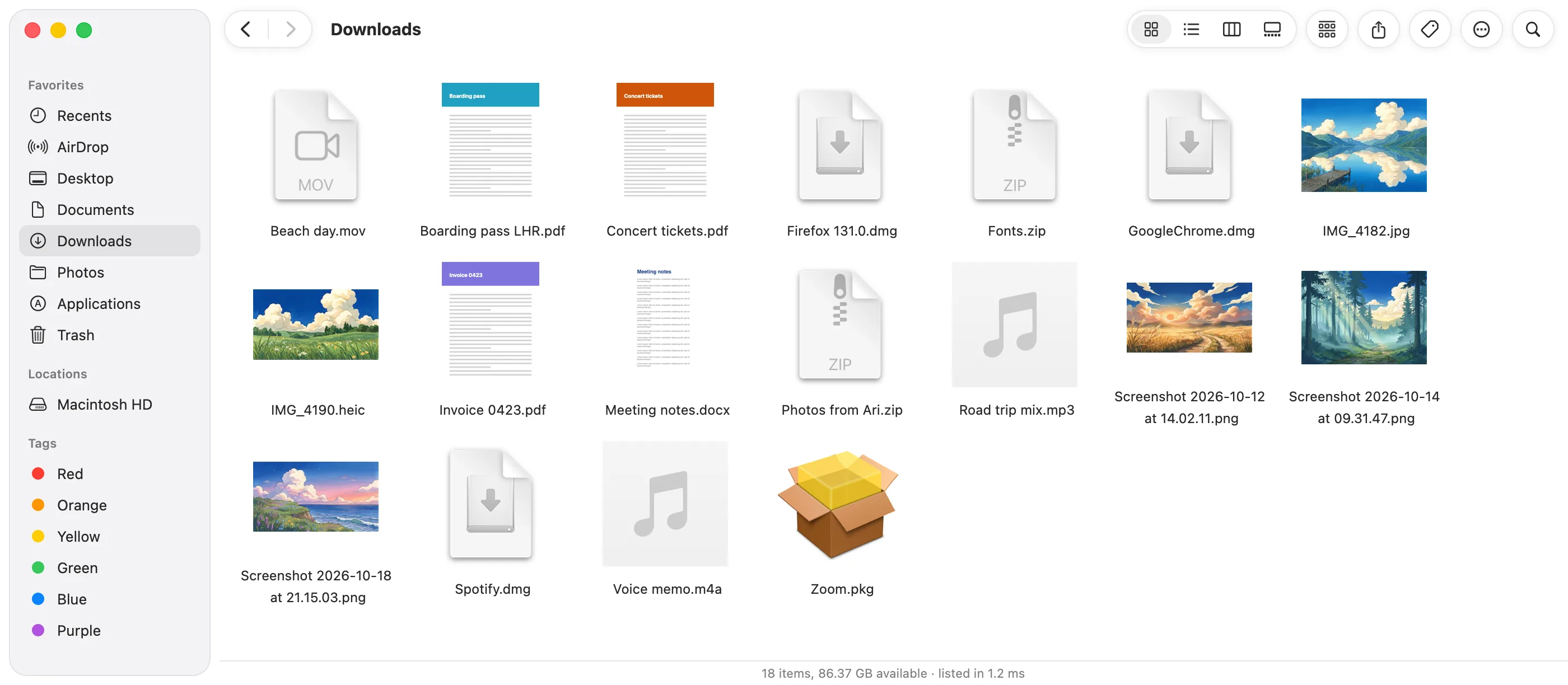
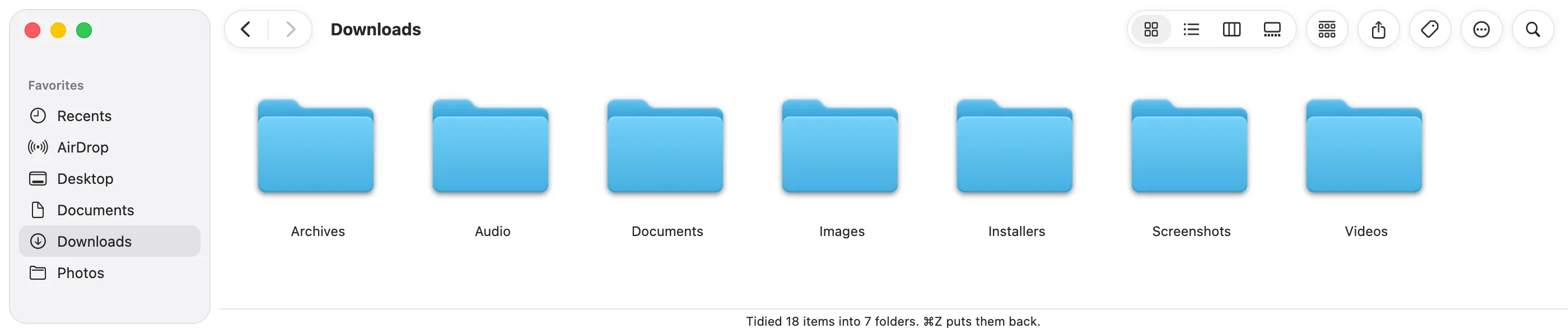
My Mac told me storage was full every other week. F2 found 38 GB of old installers and iPhone backups in about a minute.
I type ‘photos from last week’ and there they are. I've stopped digging through folders.
Tidy Up sorted three years of Downloads in one click. I didn't know I needed it until I had it.
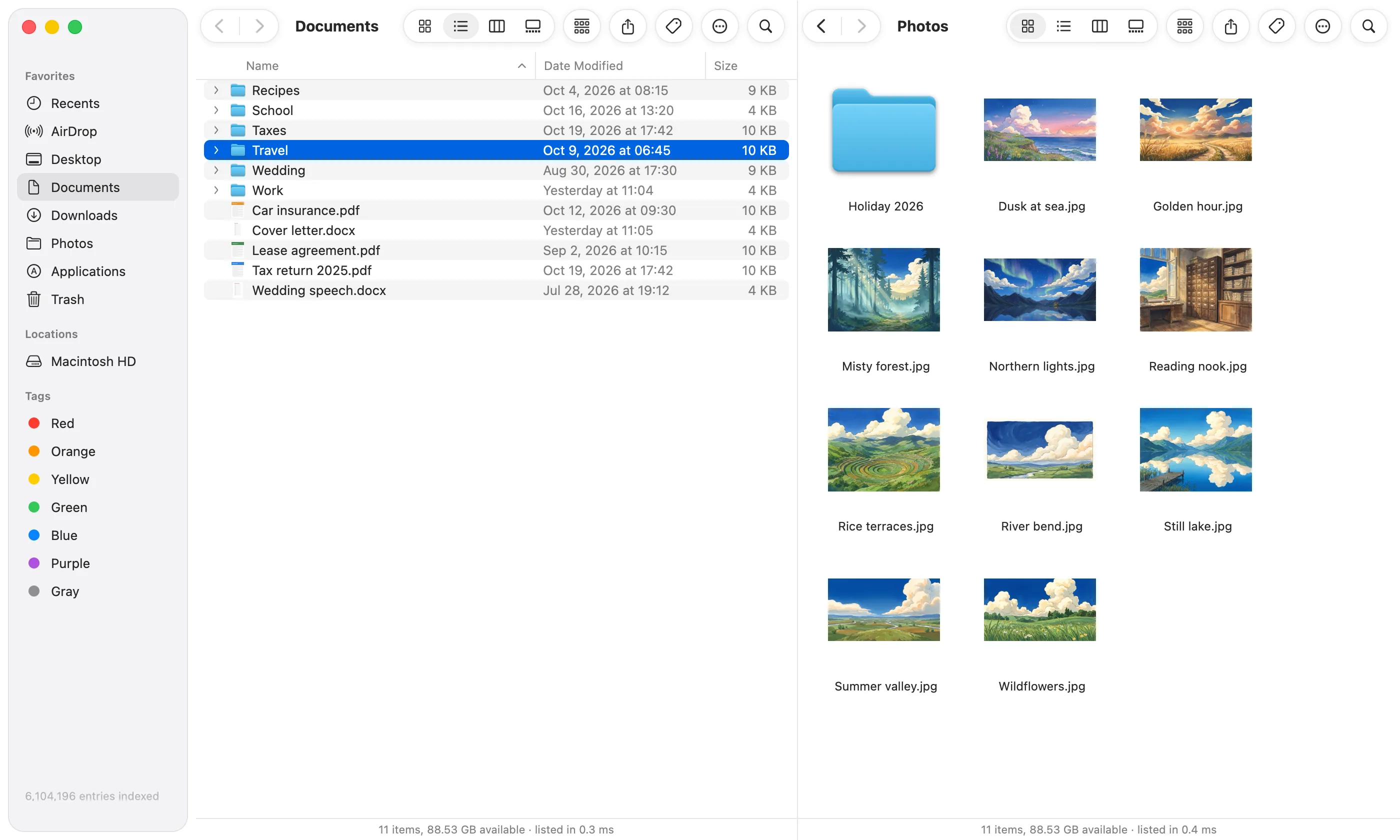
The same sidebar, tabs, Trash, AirDrop and iCloud Drive, so there's nothing new to learn, and Finder stays on your Mac. When you want more, it's there: two folders side by side, and zip files that open like folders.
Drag from one to the other, or press F5 to copy across. Handy for sorting photos into albums, or filling a USB stick.
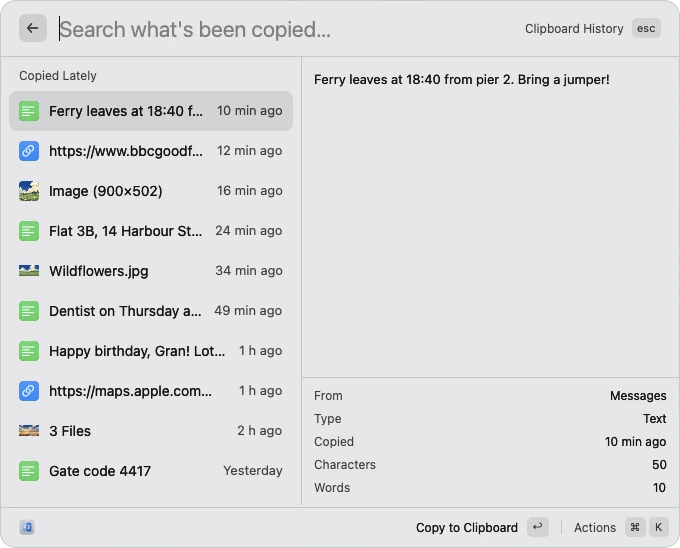
Text, links, images and files, newest first, with the whole of the one you pick beside the list. What password managers mark secret is skipped.
Most Macs end up with a screenshot app, a PDF tool and a window snapper, bought one at a time. These come with F2, free.
An area, a window or the whole screen. Draw on it, blur what's private, or pin it on top while you work.
Photos shrunk to 1600 pixels and videos to 720p, ready to send, without opening another app.
Turn photos and scans into one PDF, combine a few PDFs into one, or squeeze a big one down to send.
Copy the text out of a photo, a screenshot or a scan. Lift a photo's subject off its background.
Put two windows side by side, one in the middle, or one on the other screen, with a key.
Every emoji, arrow and symbol, found by what it is. Type ":" and a word in any search.
Tab between them, F5 copies across, F6 moves. Each pane keeps its own tabs.
Modified, added and untracked files marked beside their names, as your editor marks them.
⌥⌘T and ⌥⌘E open the selection in Ghostty, iTerm, Zed, Cursor or VS Code.
"kill port 3000" finds what's listening there and stops it.
Format the clipboard's JSON, encode and decode, or copy the Unix time.
Type ;date in any app for the date. "gh rust" searches GitHub.
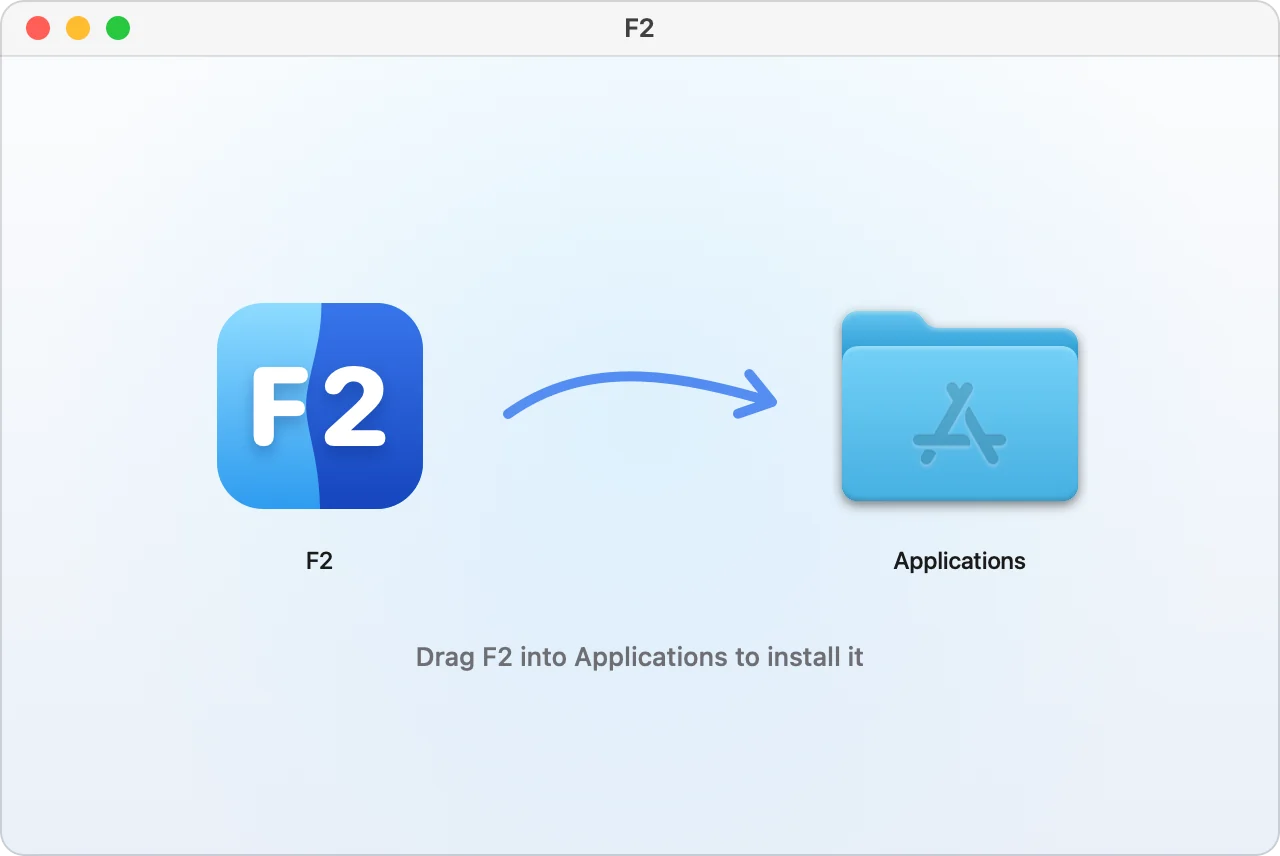
Open F2.dmg and drag F2 into your Applications folder.
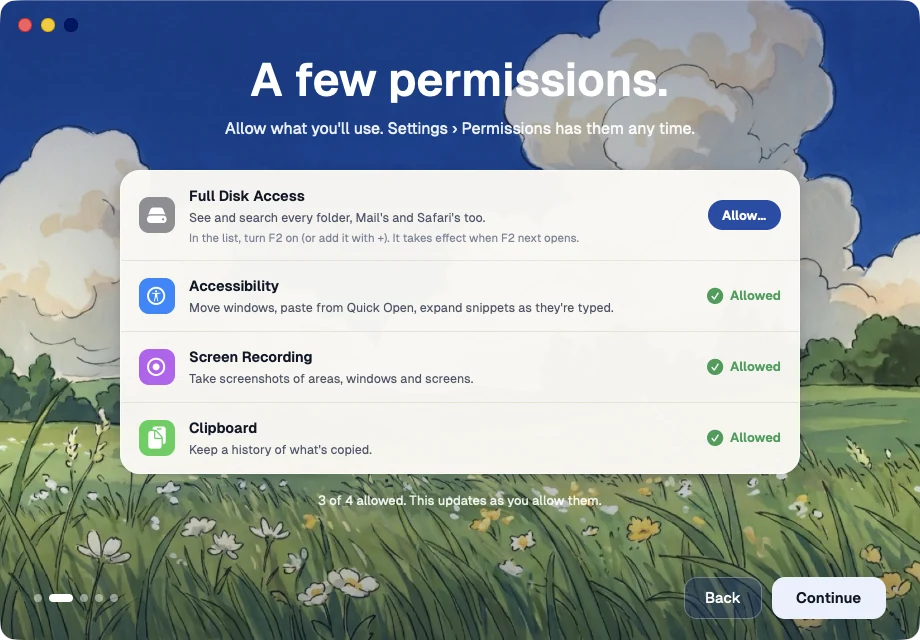
The welcome shows what F2 asks your Mac for, and why, with a button for each.
The welcome helps you move ⌘ Space over from Spotlight. Then type anything, in any app.
It works alongside it. Finder can't be taken off a Mac, and F2 doesn't try: open F2 from the Dock or the menu bar, and Finder's still there whenever you want it.
F2 works on your files just as Finder does. What it clears goes to the Trash, where Put Back works, and Tidy Up is undone with ⌘Z. Apple checks every version for malware before you open it.
So search can find what's in your Desktop, Documents and Downloads, and so it can empty the Trash. Without it, macOS asks about each of those folders as you open them.
Nothing. F2 is free.
Macs with Apple silicon (M1 and later), on macOS 13 Ventura or later.
No. Its search index stays on your Mac, and so do your files. It goes online to check for updates, and for what you ask that needs the internet: exchange rates, the weather, a speed test.
Download F2, press ⌘Space, and type the name of anything on your Mac.
Version 0.1.6 · Free · Apple silicon · macOS 13 or later